Product designer
You have a lamp, chair, or device reference and need a rough form for early layout exploration.
Move from a visual direction to a tangible asset that can guide proportion and presentation decisions.
rodin ai 3d model generatorReference to asset
Image to 3D workflows help translate a photograph, sketch, or product reference into a starting point for a 3D asset. Use a clear source image and a focused prompt to move from visual idea to editable form.
These guides cover nearby questions, from the core product to practical workflows and generated model examples.
An image-to-model workflow is most useful when you understand what the source provides and what still needs review after generation.
Primary role
Image reference
Shows the intended appearance, proportions, or visual cues
3D model output
Provides a spatial asset that can be viewed and refined
Information type
Image reference
Mostly visual information from one or more viewpoints
3D model output
Geometry, surfaces, and form interpreted in three dimensions
Best starting point
Image reference
Clear subject with a simple background and visible edges
3D model output
A result treated as a first version for inspection
Main review question
Image reference
Does the reference communicate the subject clearly?
3D model output
Does the generated form match the important structure?
Typical next step
Image reference
Crop, clarify, or supplement the source image
3D model output
Inspect proportions, materials, and areas needing edits
Strength
Image reference
Fast way to communicate a visual idea
3D model output
More useful for staging, iteration, and downstream 3D work
Limitation
Image reference
A single view may hide depth and unseen details
3D model output
The model may need cleanup where the reference is ambiguous
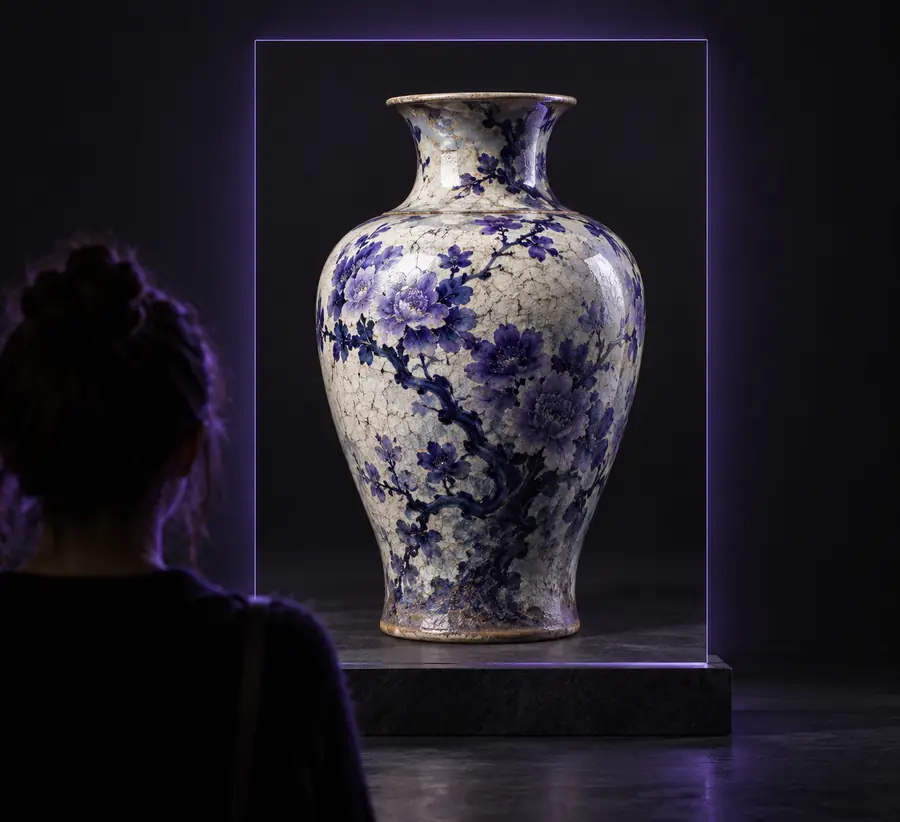
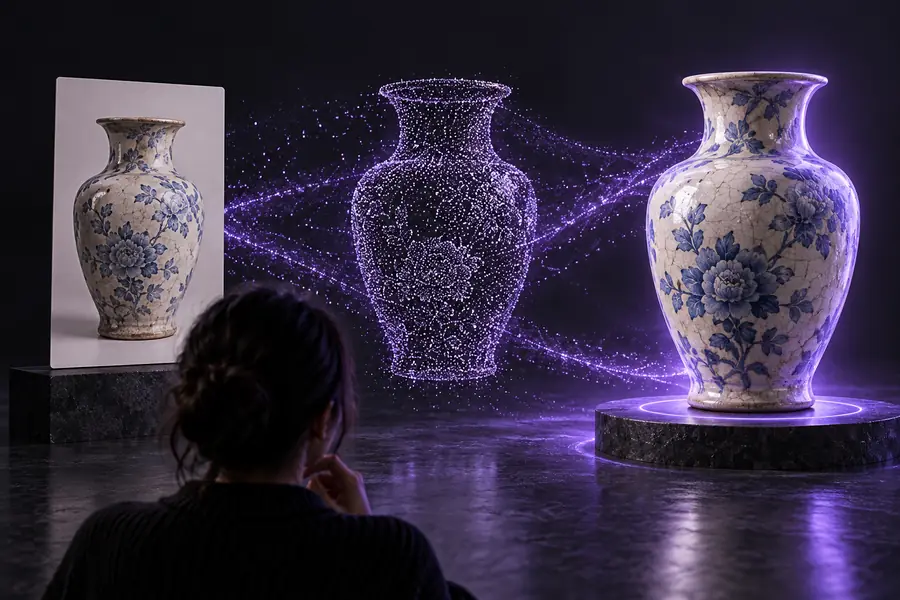
The before-and-after view makes the central handoff visible: a flat visual reference becomes a spatial asset that can be assessed from more than one angle.
 Reference
3D result
Reference
3D result
Drag the divider to compare both views.
Reference3D resultDifferent teams begin with different kinds of visual material. The strongest results come from matching the reference to the decision you need to make next.
You have a lamp, chair, or device reference and need a rough form for early layout exploration.
Move from a visual direction to a tangible asset that can guide proportion and presentation decisions.
rodin ai 3d model generatorYou want to test a creature, prop, or environment idea before committing to a longer modeling pass.
Create a visual starting point for silhouette review, scene blocking, and iteration.
rodin ai examplesA campaign concept exists as a product image or mood reference but needs a 3D-ready direction.
Explore a consistent object concept for mockups, presentations, or internal review.
how to use rodin aiYou are studying how a two-dimensional reference maps onto volume, surfaces, and recognizable form.
Use a generated asset as a concrete object to inspect, compare, and improve through practice.
what is rodin aiStart with the image that best communicates your subject, add a concise description of what matters, and use the resulting model as a focused first pass. The goal is not to hide the review stage; it is to make the first useful form easier to reach.
Convert my imageAnswers to common questions about turning a visual reference into a 3D model workflow.
Image to 3D describes a workflow that uses a two-dimensional visual reference to create a three-dimensional asset. The image supplies visual cues, while the generated result adds volume and form that can be inspected and refined.
Use a clear image where the main subject is easy to separate from its background and important edges are visible. Multiple useful viewpoints or a concise description can help when depth, hidden surfaces, or small details are difficult to infer.
It is safer to treat the result as a starting asset until you have checked its proportions, surfaces, and unseen areas. Depending on the project, you may still need cleanup, retopology, material work, or other production steps before final use.
A single image does not show every side of an object, so the workflow must interpret missing depth and hidden structure. Ambiguous silhouettes, reflections, occlusion, and unclear scale can all lead to differences that require review or a better reference.
Yes. A sketch, character reference, prop concept, or environment image can provide visual direction for a generated model. The more clearly the source communicates the subject and the desired form, the easier it is to judge whether the result supports the original idea.