The short answer

what is rodin ai, and what does it make?

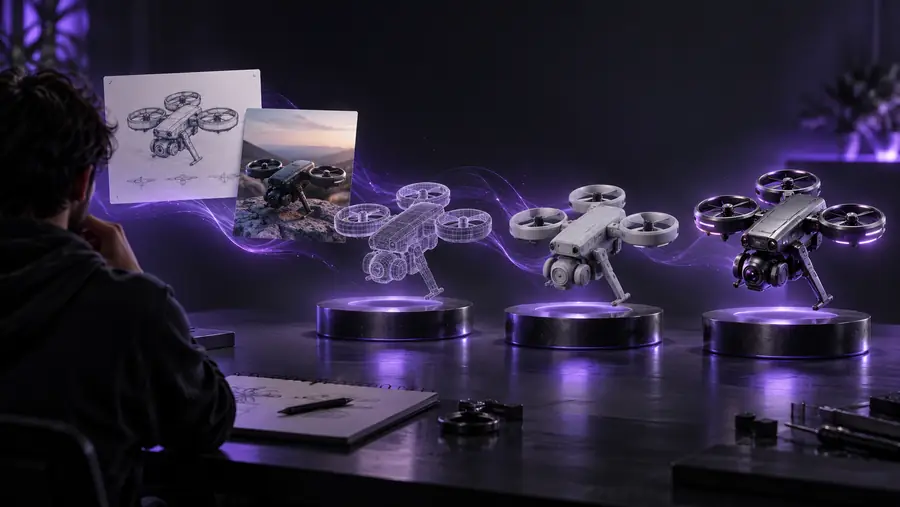
Rodin AI is a 3D generation tool associated with Hyper3D: it turns a description or visual reference into a model that you can inspect and refine. Think of it as a starting point for an asset, not a guarantee that the asset is ready for every production workflow.

Stylized three-dimensional asset imagery

How it works

The practical sequence is to describe a subject, inspect the result, and decide what needs correction. Available inputs and controls depend on the tool you use.

  1. 1

    Set a clear reference

    Describe the object's overall shape and distinctive parts, or provide a reference image where the interface supports one. A chair, for example, is easier to evaluate when its back, legs and material are specified.

  2. 2

    Generate a first model

    Rodin AI interprets the reference and produces a 3D representation. Treat the first result as a proposal: details hidden in a single image must be inferred rather than copied from a known view.

  3. 3

    Inspect and refine

    Rotate the object and check its silhouette, surfaces and small parts. If the shape misses the brief, revise the description or reference before doing detailed cleanup elsewhere.

Can / cannot do

Rodin AI can help establish an object's form, but generation does not replace the checks required for a particular project.

Recover an unseen back exactly

A single front-facing reference cannot specify what the rear of an object looks like. Rodin AI must infer hidden surfaces, which may differ from the intended design.

Workaround

Provide additional views when supported, or correct the unseen side in your modeling workflow.

Guarantee a production-ready mesh

A visually convincing result does not by itself establish suitable topology, scale or geometry for animation, fabrication or real-time use.

Workaround

Inspect the mesh against the requirements of the destination project before relying on it.

Resolve ambiguous instructions

Words such as 'detailed' or 'realistic' leave important choices open. Rodin AI may make a different design decision from the one you had in mind.

Workaround

Name the important proportions and parts, then revise the reference after reviewing the first result.

Related reading

These guides continue from the definition into specific inputs, outputs and practical steps.

A reference and a possible result

This illustrative pair shows the difference between communicating a chair design and viewing a modeled interpretation; it is not a verified output from a particular generation session.

Small golden chair reference image Design reference
Golden chair shown as a three-dimensional result study 3D result study
Compare the back, seat and legs from multiple angles rather than judging the result by its presentation view alone.

Who uses it

The best fit depends on whether a quick shape study is valuable before manual modeling and verification.

Choose this when

You are exploring several visual directions

Use Rodin AI as an early concept aid.

A generated object can make proportions and silhouette easier to discuss, while leaving room to change the design.

Choose this when

You have an approved reference but need an asset

Use a generated result as a candidate for review.

Check the less-visible surfaces and project requirements before treating that candidate as finished.

Choose this when

Exact dimensions or topology are essential

Favor a controlled modeling process.

An inferred shape cannot substitute for measured specifications or a mesh built to a strict technical brief.

Common use cases

Concept exploration

A concept artist can compare possible silhouettes before committing to a detailed model. Rodin AI is most useful here as a way to surface design questions, not settle them automatically.

Asset blocking

A creator can use a generated object to test whether its broad form suits a scene. Placement and presentation may reveal problems that were difficult to spot in a flat reference.

Reference review

A team can rotate a proposed shape and identify unclear areas of the brief. That review can guide the next reference image, prompt revision or manual modeling pass.

Explore a 3D starting point

Take an idea into three dimensions

If a shape study would help your project, explore the linked 3D creation site and review its current inputs and output options there. It is a separate destination; this guide does not establish that it provides Rodin AI.

Explore 3D creation

    FAQ

    Rodin AI is a tool associated with Hyper3D for generating 3D models from a description or visual reference. Its output is best understood as a model to inspect and potentially refine, rather than a promise of a finished asset for every use.

    No. Rodin AI names the generation tool; a 3D model is the object produced by a generation workflow. The distinction matters because each result has its own shape and quality to evaluate.

    A written description can communicate the subject and its important features, while a visual reference can show a particular design. The available input options depend on the interface being used, and neither kind of reference fully specifies every hidden surface.

    Look at the silhouette and distinctive parts from more than one angle, then compare them with the original brief. If the asset has a technical destination, also check its geometry against that project's requirements.

    Start creating
    Start creating