Creative references

Explore rodin ai examples through practical 3D briefs

Use these visual references to plan a character, prop, or environment brief. The suggested prompts show how to describe a similar concept; they are not verified records of the prompts used to create the pictured assets.

Opens the linked 3D product
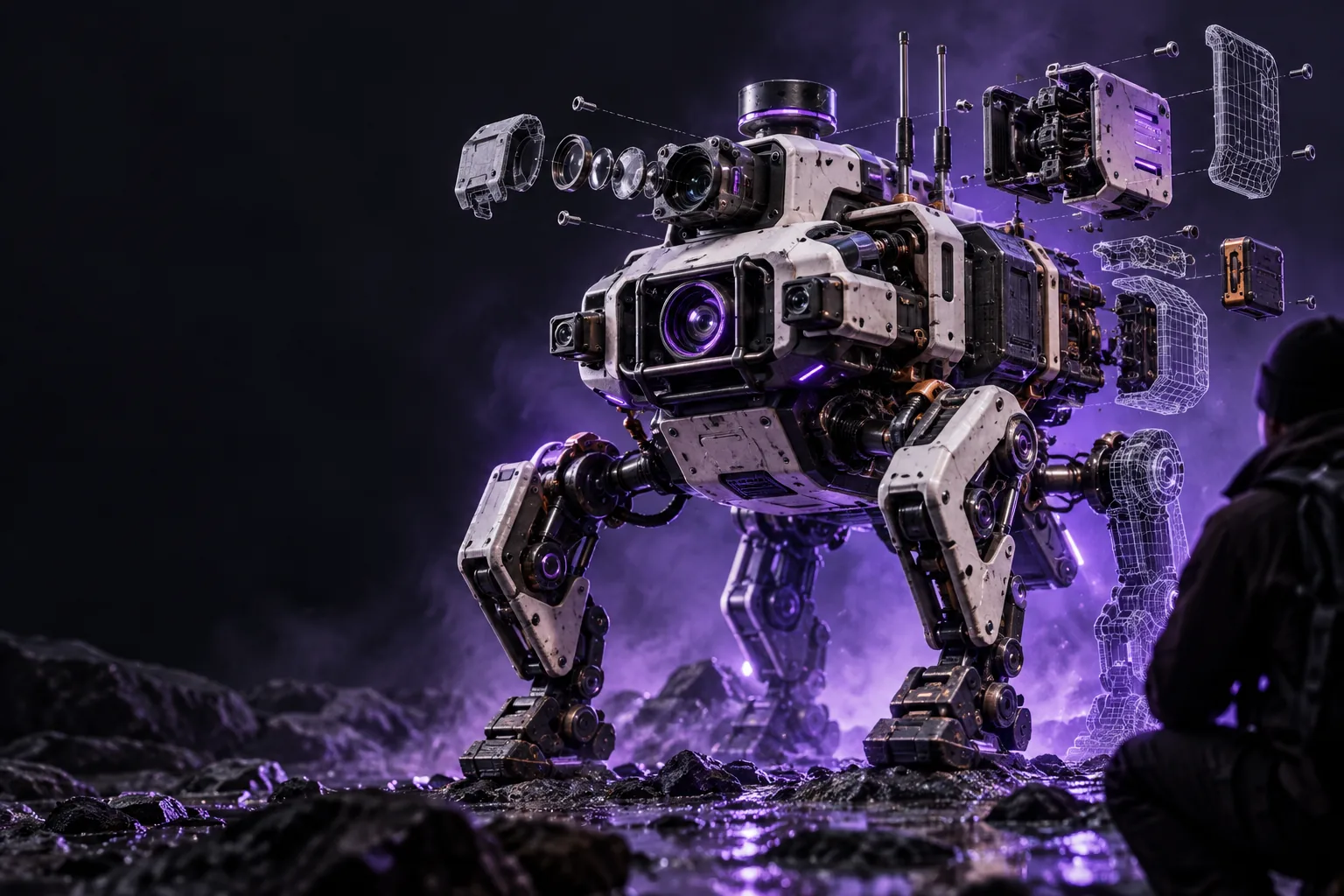
Rodin AI landing-page 3D artwork

When a striking image is not yet a usable brief

rodin ai examples can help you choose a direction, but an image alone does not specify the shape, materials, or details your project needs. Start with a brief you can inspect and revise.

prompts.log
  1. 1
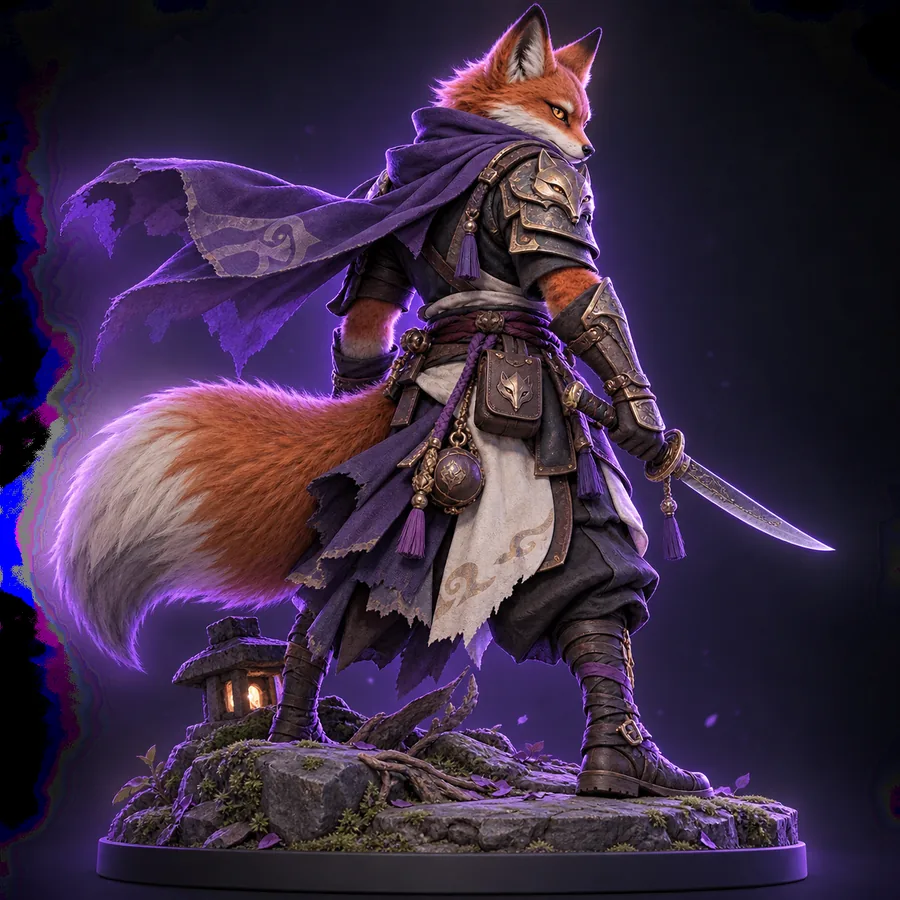
    A small fantasy character with a distinctive silhouette, readable facial features, and simple materials; show the full figure against a plain background.
    Suggested character-study brief
  2. 2
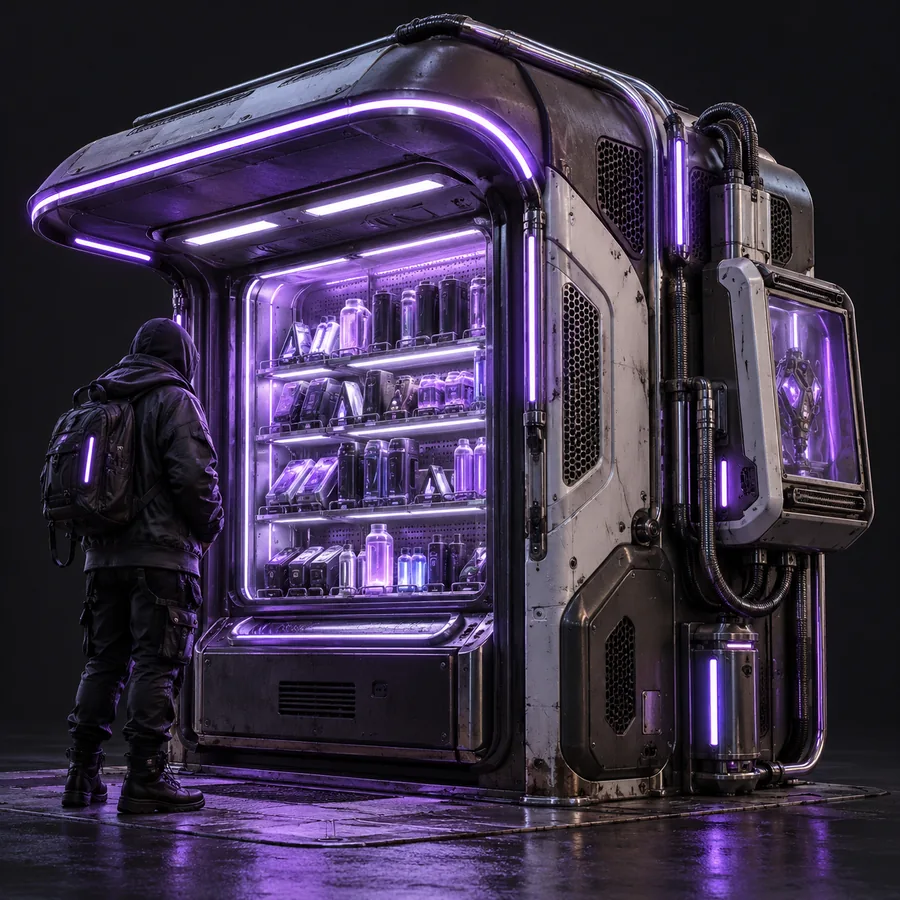
    A compact exploration prop with clear major forms, visible construction details, and restrained materials; show enough of the object to assess its shape.
    Suggested prop-study brief
  3. 3
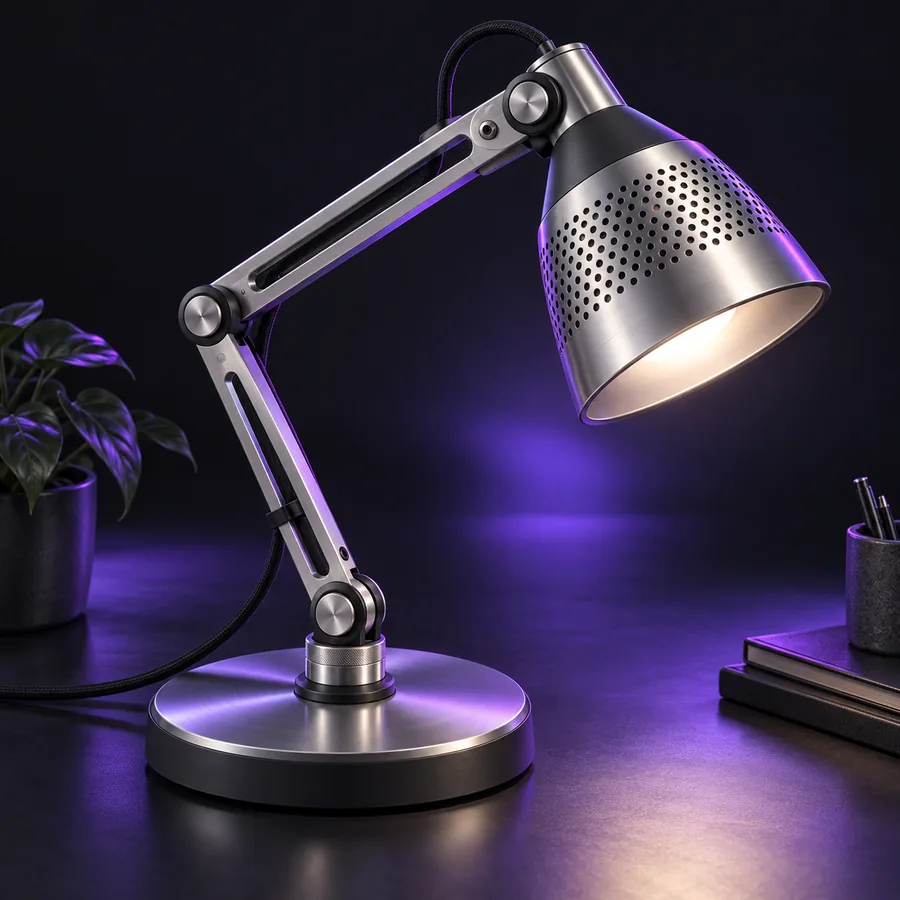
    A small storybook environment asset with a recognizable silhouette, distinct surface materials, and an unobstructed view of its main structure.
    Suggested environment-study brief
First 3D example image from the site gallery 1 Character
Second 3D example image from the site gallery 2 Prop
Third 3D example image from the site gallery 3 Environment

These are illustrative prompts for exploring similar categories, not documented original prompts for the pictured images.

Three concrete workflows for different creators

Choose a workflow by the decision you need to make. A concept artist may test silhouettes; a game artist may inspect a prop; a designer may need a reference image to guide the shape.

Concept artist

Begin with several short character briefs that change one feature at a time: silhouette, clothing, or material. Keep the intended pose and background consistent so visual differences are easier to judge.

Select a direction worth refining, then write down the features that must survive later revisions. For a broader explanation of the tool category, read what is rodin ai.

what is rodin ai

Game artist

Describe a single prop by its function, major forms, and material breaks. Review the pictured concept from the standpoint of gameplay readability rather than treating an attractive render as proof of production readiness.

Turn the preferred direction into a checklist for proportions, separate parts, and detail. The rodin ai 3d model generator page explains the distinction between a 3D concept and a model you still need to inspect.

rodin ai 3d model generator

Product designer

Start from an approved reference image and identify what it does not show, such as the rear, underside, or thickness of a part. Note those unknowns before using the image as a shape guide.

Compare any resulting concept with the original reference and flag geometry that was inferred rather than observed. The image to 3d guide covers that reference-led workflow.

image to 3d

Example output: what to inspect in the gallery

These images are visual examples, not evidence that a particular prompt or reference produced a specific downloadable model. The captions offer inspection briefs you can apply to the pictured concepts.

  • First site-gallery example for a character inspection exercise Character study
    1
    Character inspection brief: identify the dominant silhouette, then check whether smaller features remain readable at a reduced size. Suggested input to explore a comparable concept: a full-figure character with a distinct outline and restrained materials. Check silhouette and feature clarity
  • Second site-gallery example for a prop inspection exercise Prop study
    2
    Prop inspection brief: separate the main body from attachments and ask which details would need to be independently editable. Suggested input to explore a comparable concept: a functional prop with visible construction and distinct material regions. Check forms and part separation
  • Third site-gallery example for an environment inspection exercise Environment study
    3
    Environment inspection brief: look for a clear structure beneath decorative details and mark any surfaces hidden by the camera angle. Suggested input to explore a comparable concept: a small environment asset shown with its main structure unobstructed. Check structure and hidden areas

Compliance notes before you reuse an example

Turn inspiration into an original brief

A gallery image is a reference, not a license statement or a guarantee about an underlying 3D file. Before publishing or using an output commercially, check the linked product’s current terms and the rights attached to any images you upload. Avoid submitting confidential designs without reviewing its data-handling terms. If your brief is based on someone else’s character, logo, or product, obtain the permissions your use requires. Keep a record of your own inputs and edits so collaborators know which decisions came from your team.

Explore 3D creation
  • Check usage rights for inputs and outputs
  • Inspect any model against your project requirements
  • Treat pictured concepts as references, not specifications

Scenario FAQ

The example images on this page are available to view here. That does not establish whether the linked product offers free generation, downloads, or commercial use. Check its current terms for those separate questions.

The prompts above are suggested briefs, not a promise of free generation or an exact visual match. Access conditions may differ between viewing a gallery and using a creation tool. Check the linked product’s current access terms before starting a project.

A displayed image does not show whether an underlying model can be downloaded or which file formats might be available. Inspect the product’s current export options and terms rather than inferring them from a gallery preview. If you need a specific format, confirm it before committing to the workflow.

Identify the subject, dominant shape, materials, and details you want to change. Write those as a short brief, then assess the result against your requirements instead of trying to reproduce a preview exactly. The prompts on this page are illustrative starting points; the original prompts behind the pictured assets are not documented here.

Do not assume that being able to view an image grants permission to reuse it. Confirm the rights for the specific asset, your intended use, and any reference material you supplied. For client work, keep the applicable terms and approval records with the project.

Start creating
Start creating